Enhance that shows its work.
Enhance measures the light, color and faces in your photo and sets the real sliders. Then it lists every change in plain English, so you can keep it, tweak it or undo it.
 Magnificent Media Photo Studio · for Mac
An AI photo editor that explains every change it makes. Enhance in one tap, mask the sky or subject in one click, and export ready for every feed. Everything happens on your Mac.
Launch price $149 until Nov 30, 11:59 PM CT, then $199$199 · one payment, no subscription · 2 Mac computers · macOS 14 or later
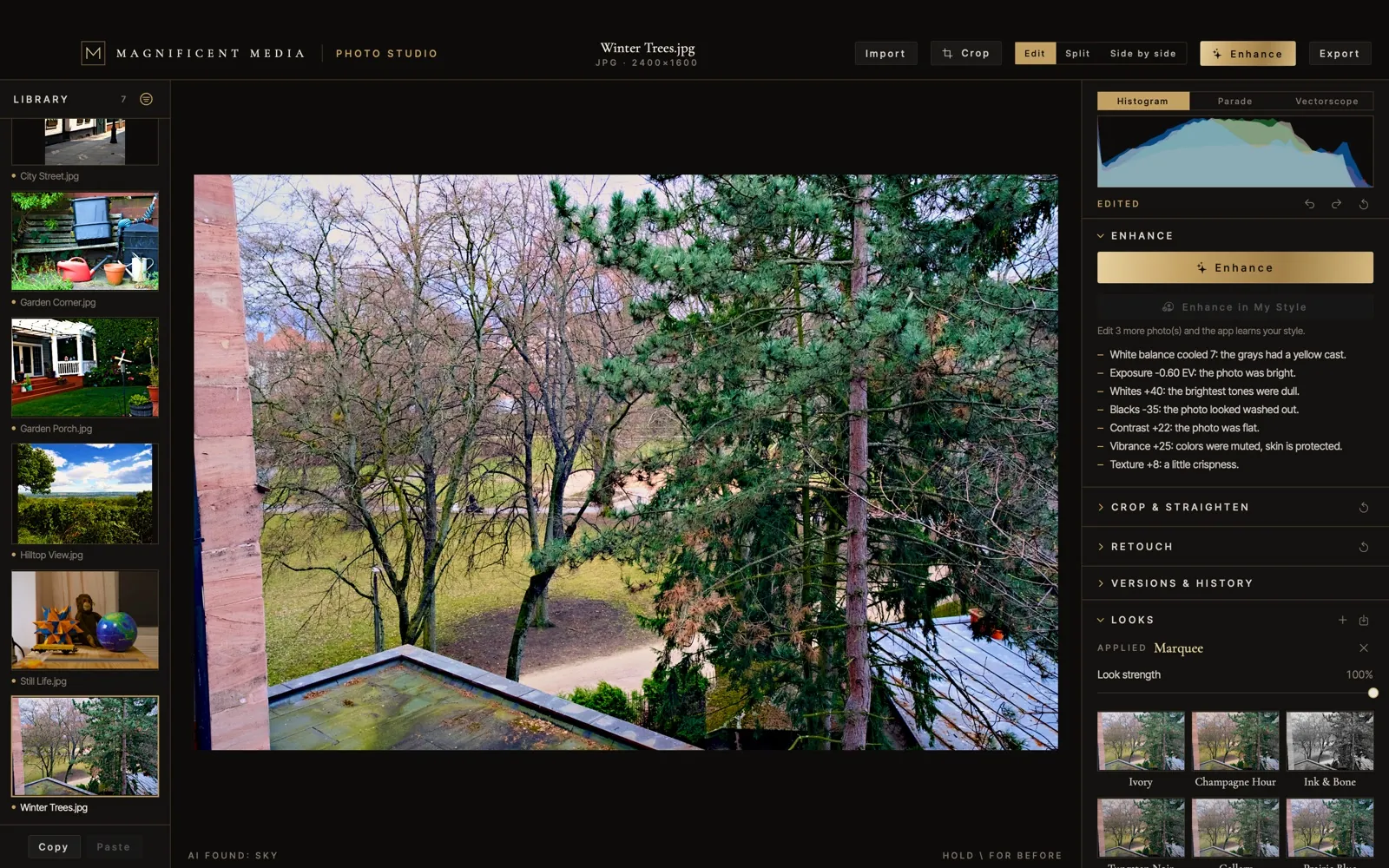
Enhance measures the light, color and faces in your photo and sets the real sliders. Then it lists every change in plain English, so you can keep it, tweak it or undo it.
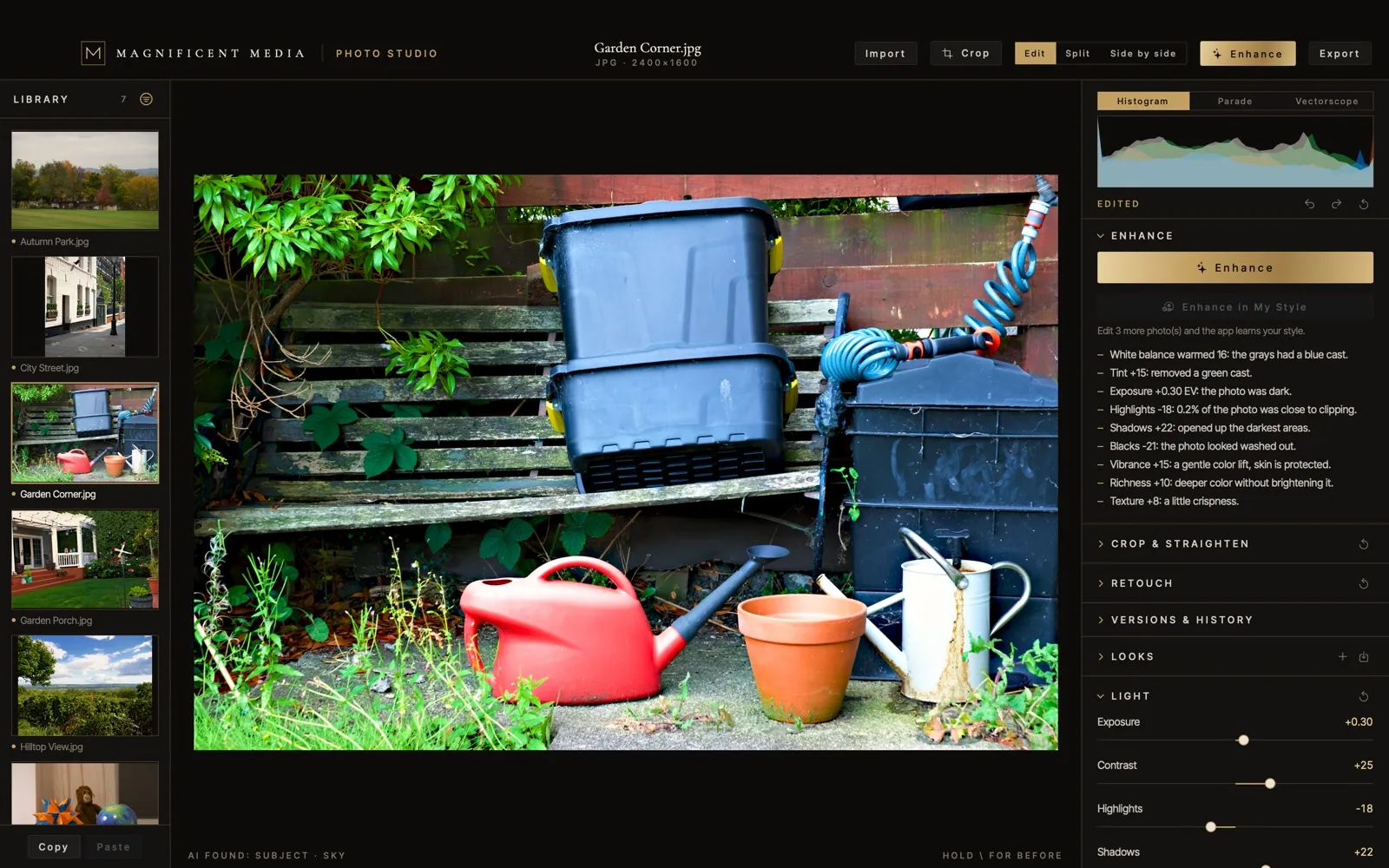
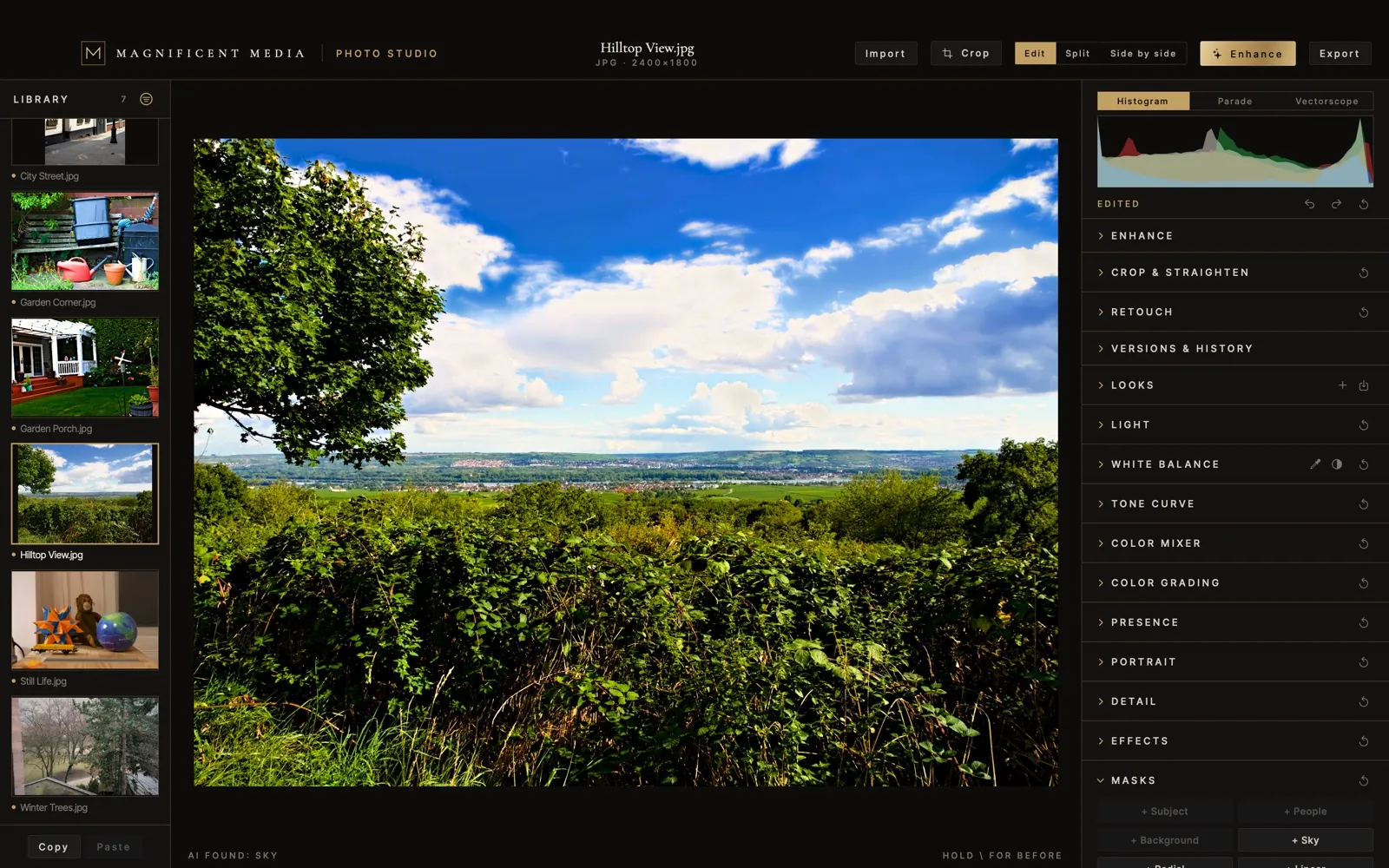
Select the subject, people, background or sky in one click, or paint and place gradients by hand. Each mask gets its own exposure, contrast, temperature and color.
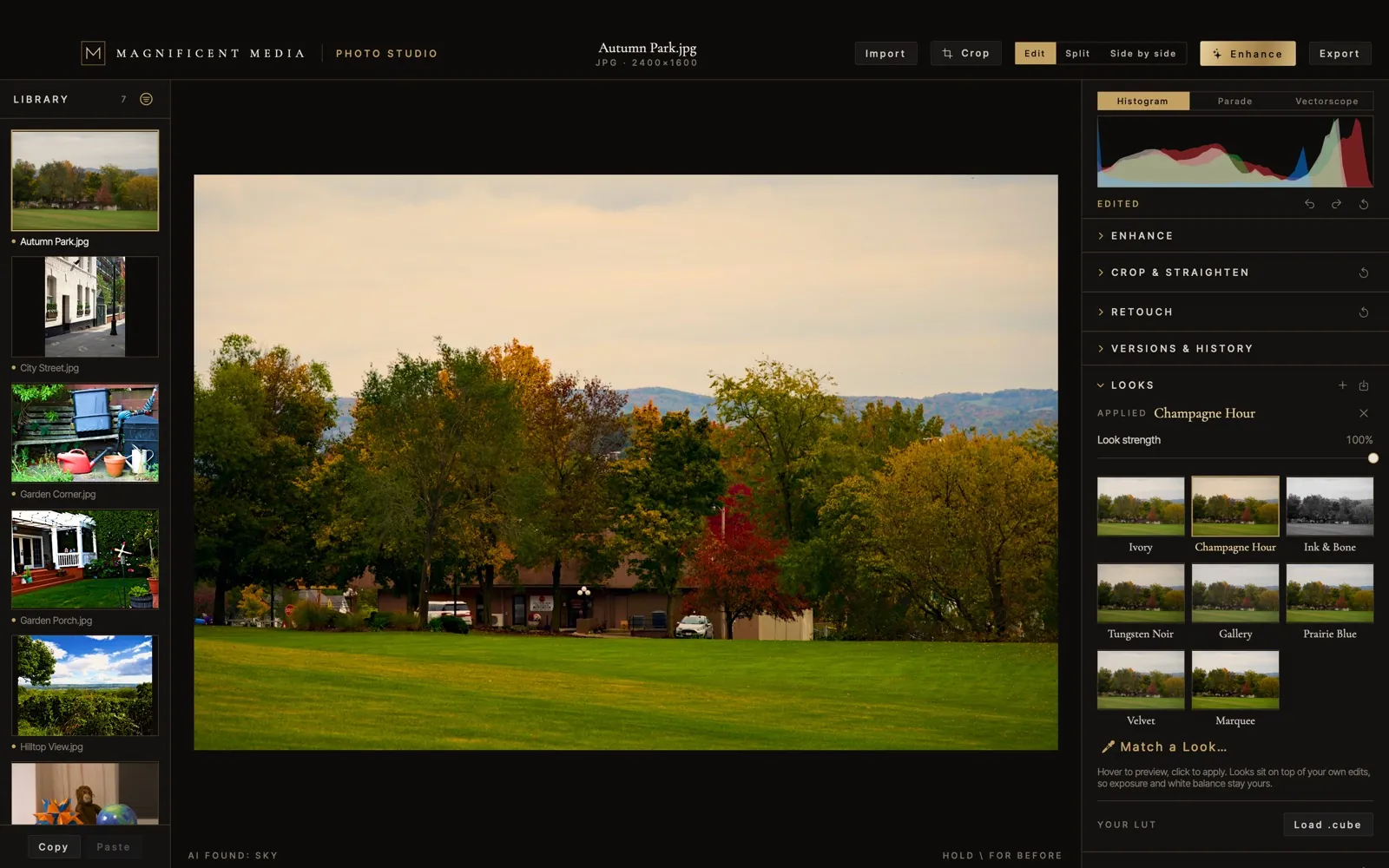
Ivory, Champagne Hour, Ink & Bone, Tungsten Noir and more. Hover to preview, click to apply, set the amount. Looks sit on top of your corrections, never over them. Bring your own .cube LUTs too.
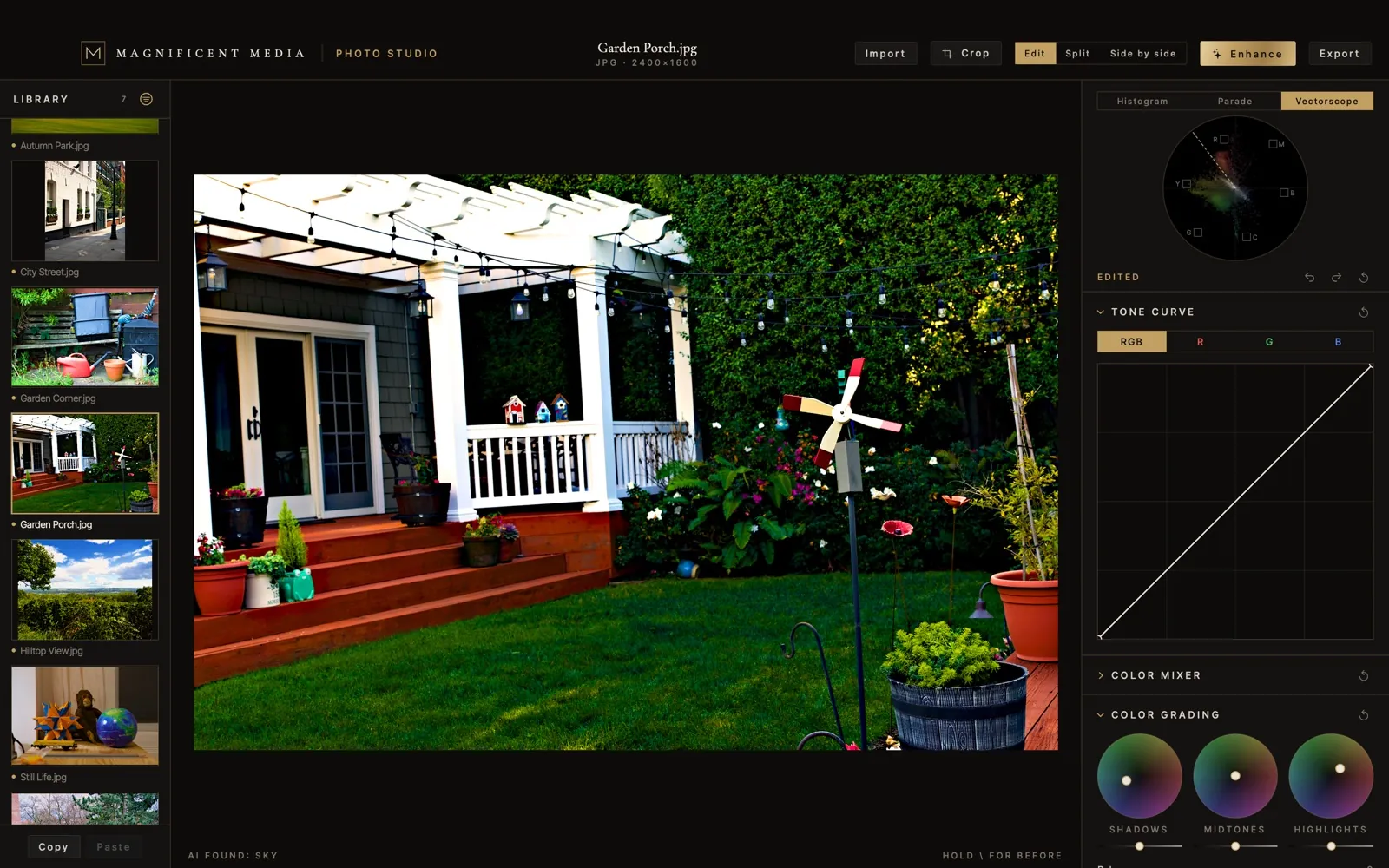
Three-way color grading, a tone curve per channel, an 8-band color mixer and Richness for deeper color without brightening. A vectorscope with a skin-tone line keeps faces honest.
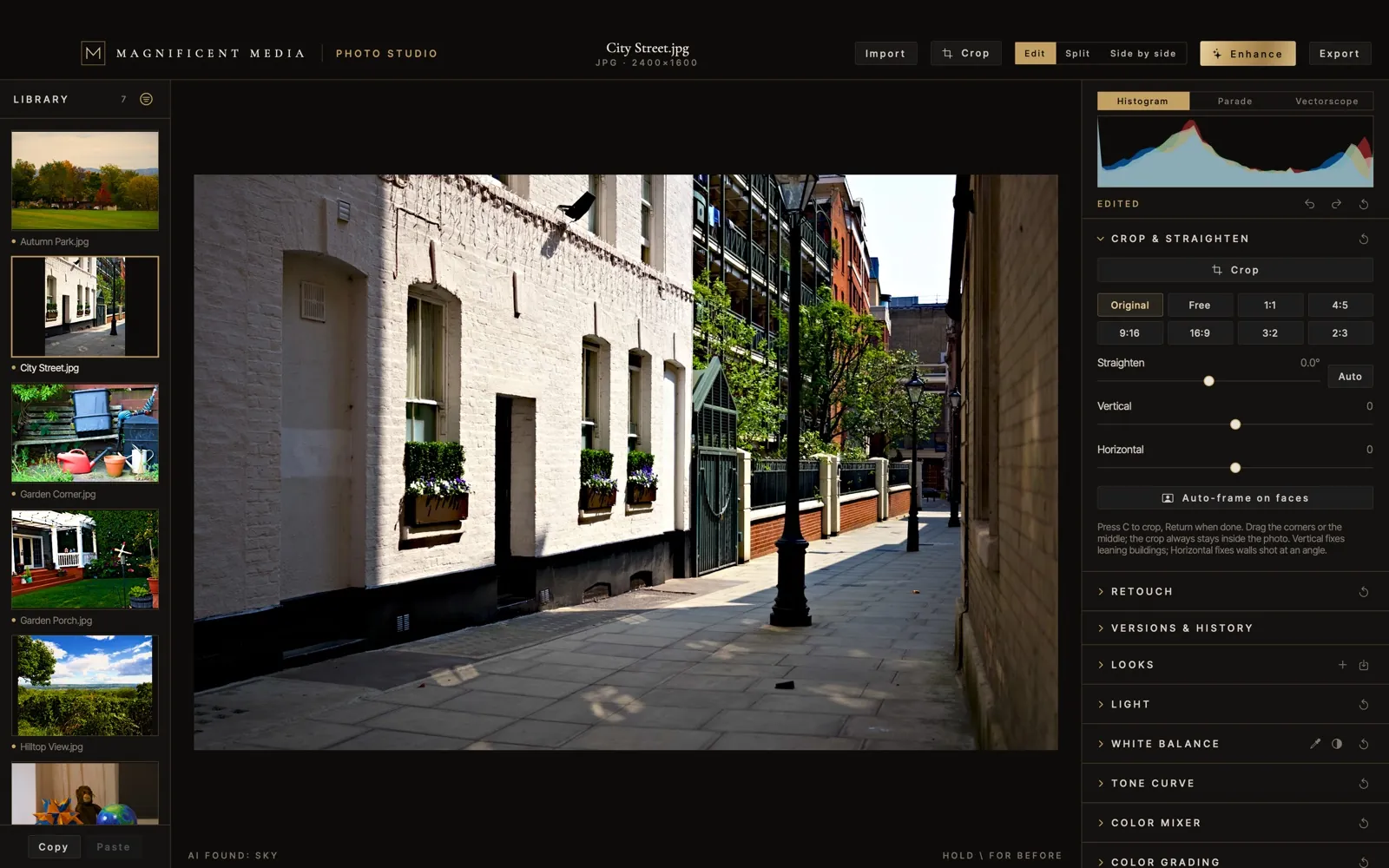
One click levels the horizon and squares up buildings. Crop to any ratio with face-aware framing.
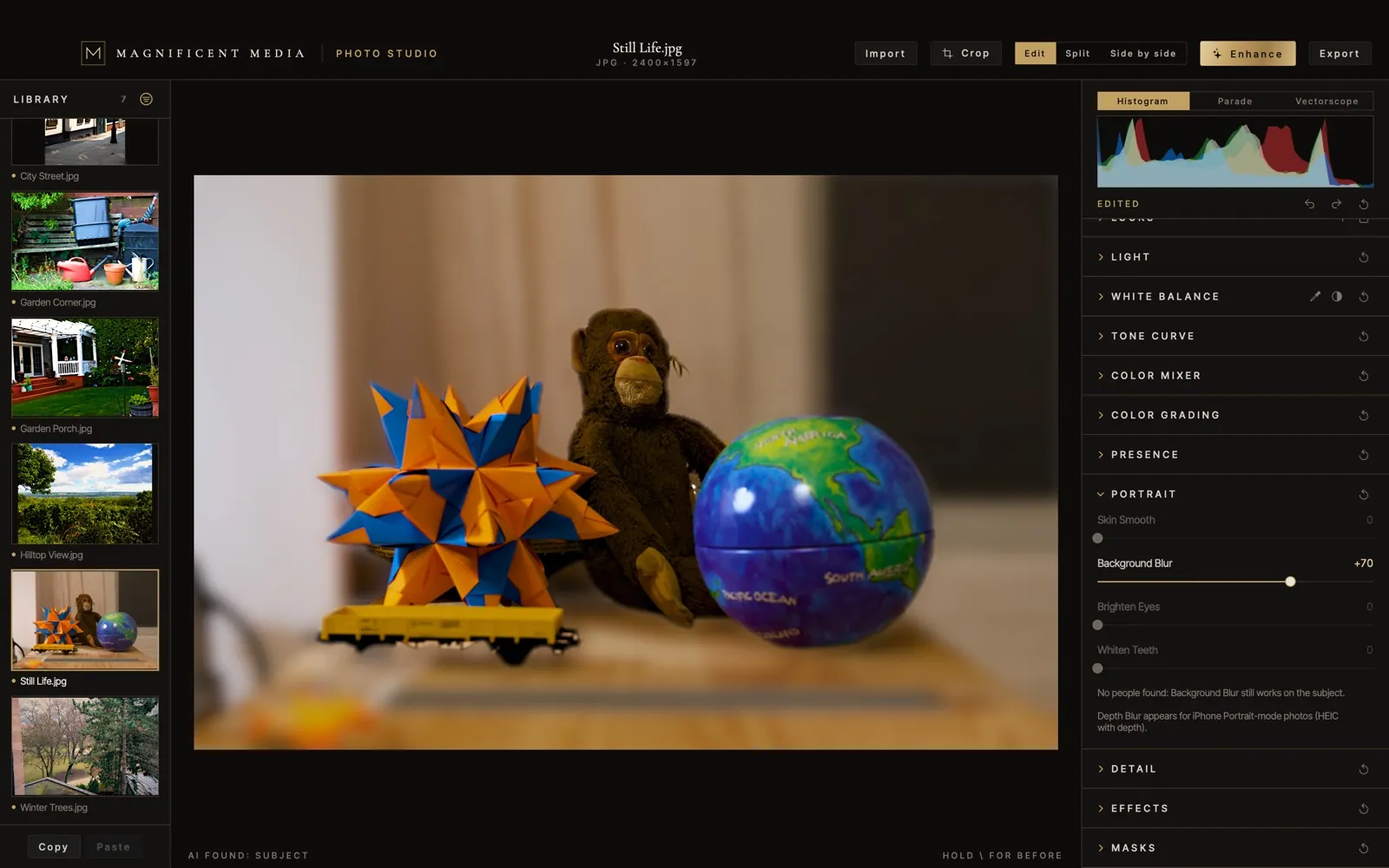
Background Blur adds a clean lens blur behind your subject. Skin Guard keeps bold looks from turning skin orange or gray, and Skin Smooth softens blemishes while keeping pores.
No subscription, no account, no uploads.
Secure checkout by Stripe. Launch price $149 until Nov 30, 11:59 PM CT, then $199; the LAUNCH code is applied for you. Your license key arrives by email from hello@magnificentmediaict.com within one business day.
Download the app and everything is unlocked for 7 days. No card needed. After the trial the free editor keeps working, with exports up to 2048 px; the Pro tools wait for your license key.
We email your license key. In the app, click any "Unlock with Pro" button, paste the key and click Activate. It works offline.
One license covers 2 of your Mac computers, for example a desktop and a laptop. Enter the same key on each.
Every version 1 update (1.1, 1.2, 1.3 and so on) is free, and the app tells you when one is out. When version 2.0 arrives, license holders can upgrade for $25. Your license never expires.
No. Every edit and every AI feature runs on your Mac. Your originals are never changed. See the privacy policy.
A Mac with macOS 14 Sonoma or later. HDR export needs macOS 15 or later.
Yes. Photo Studio is also coming to the Mac App Store with a monthly or yearly Photo Studio Pro plan. A website license unlocks only the website download, and an App Store subscription unlocks only the App Store app.
Email hello@magnificentmediaict.com with "Photo Studio" in the subject. We reply within one business day. The support page has shortcuts and answers.